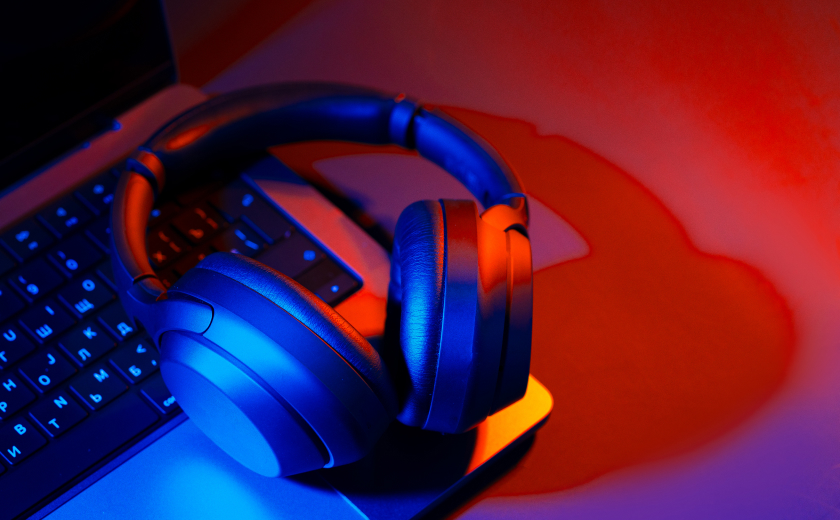
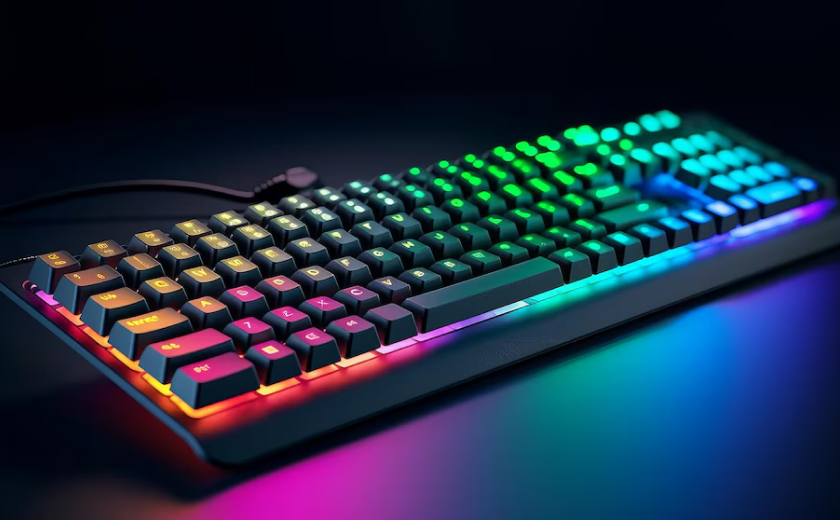
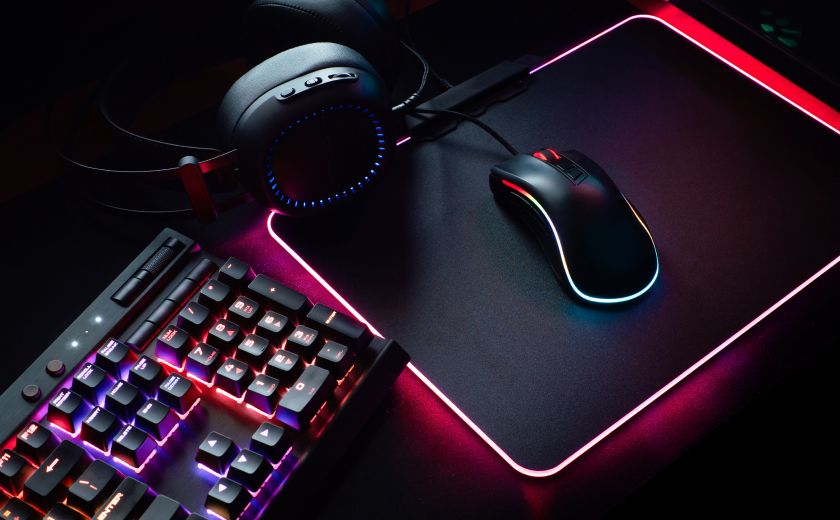
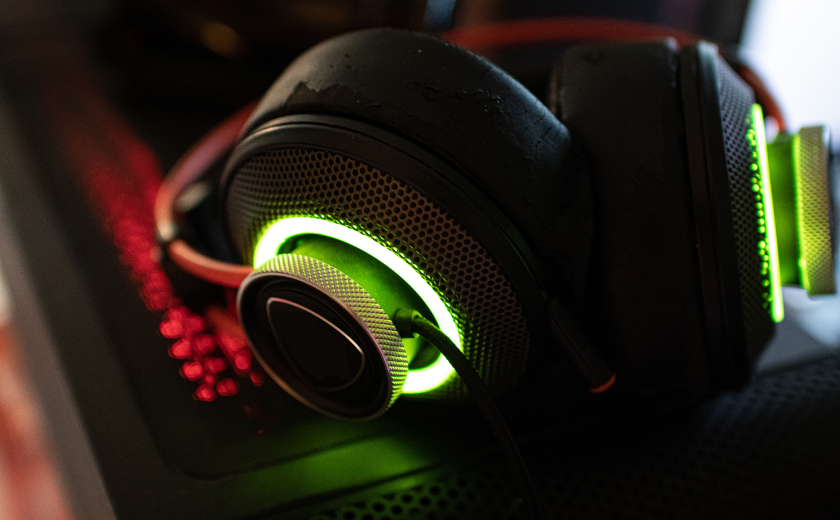
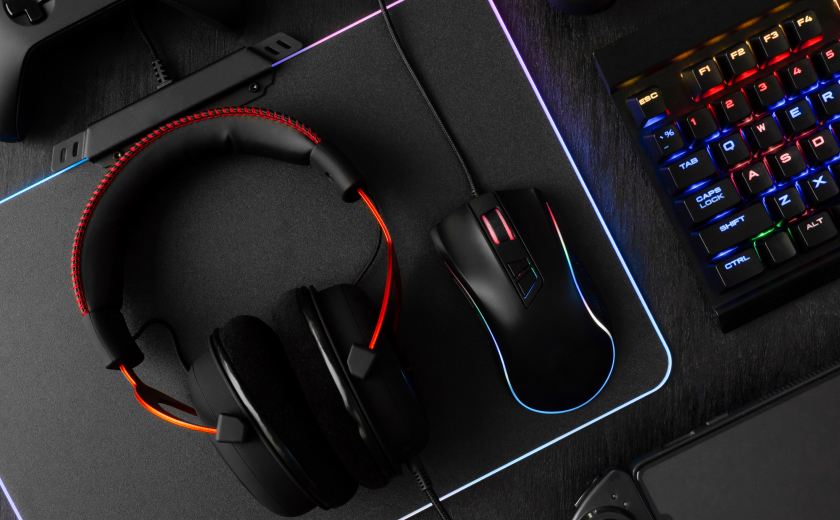
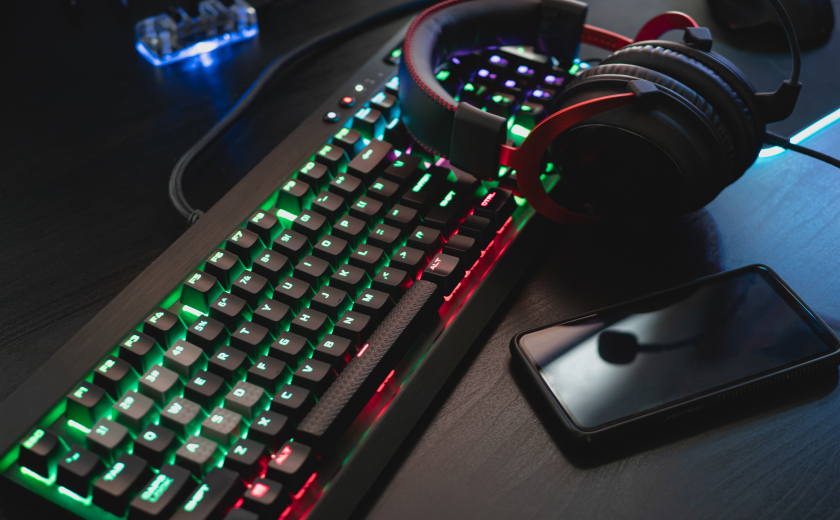
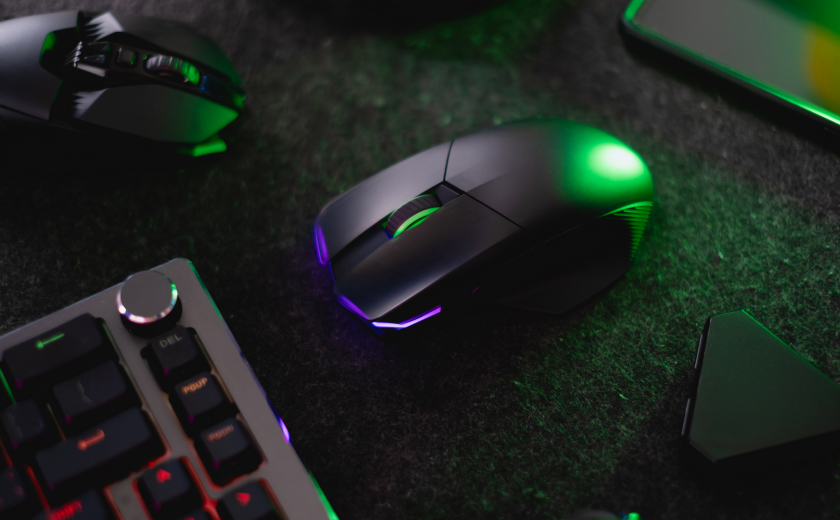
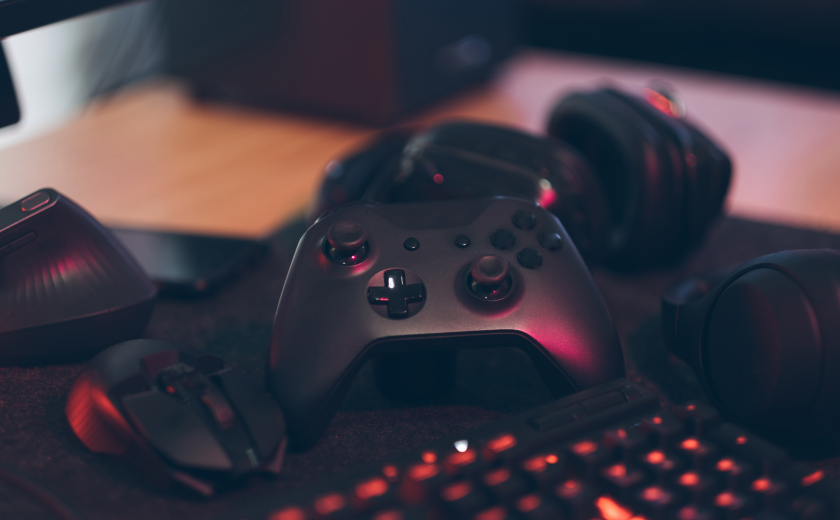
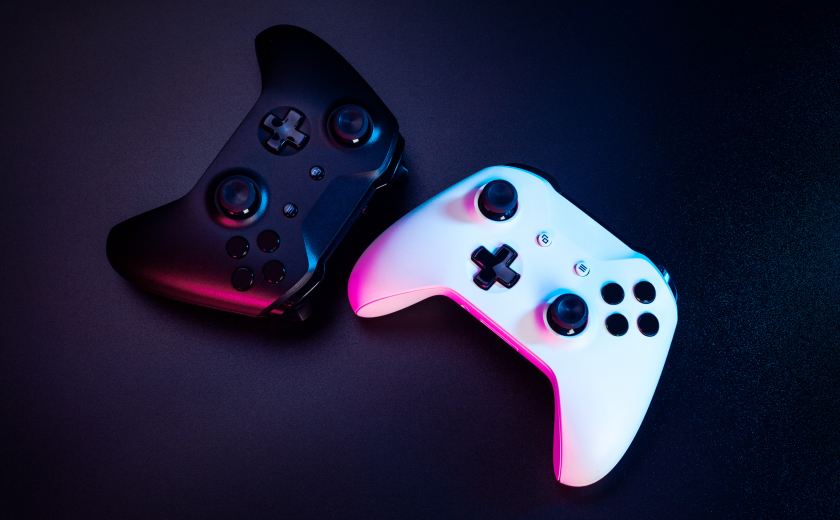
Keyboards Wireless headset Desk Lighting That Makes Unboxings Look Clean By Muhammad Safiullah Cameras copy the light you give them. Guessing in a dark room never works. Put the brightest light in front of the product, a little above it. That is your key. A weaker light or a white wall on the other side fills shadows. A thin rim light from behind separates a black gadget from a black desk. RGB is optional; a cool white edge is enough. Two lights are enough Match colour temperature. Mixing a warm bulb with a daylight panel makes plastic look sick. Two lights later, the phone footage finally looks like the photos on the site.Hamza Sheikh — Lahore Diffusion matters. Bare LEDs on glossy mice create hot spots. A cheap softbox or even paper at a safe distance helps. Small panels, big difference Lock white balance in the camera app if you can. Auto white balance will shift when you move a box. Key light in front, slightly high.Fill or a bounce on the shadow side.Optional rim so dark gadgets do not vanish.One colour temperature for the whole desk.Diffusion on anything shiny. You do not need a ceiling grid. Two panels and a clamp will cover most phone videos we see. Social Share : Tags : Console Gaming Ps5 Leave a Reply Cancel replyYour email address will not be published. Required fields are marked *Comment * Name * Email * Website Save my name, email, and website in this browser for the next time I comment.